


Switch From Jethur to Sahl: Migration Guide (2026)
Should You Switch From Jethur to Sahl? (Quick Answer)
Switching from Jethur to Sahl may make sense if your organization needs a compliance-focused GRC platform with pre-mapped Saudi frameworks, AI assistance, and integrated application security testing.
However, the decision depends on your existing workflows. If your organization actively uses Jethur’s broader governance, audit, business continuity, and crisis management capabilities, staying with your current platform may be the more practical choice.
Therefore, evaluate your requirements before initiating a migration. Avoid switching in the weeks immediately before an audit, and confirm your contract terms and data export options with Jethur.
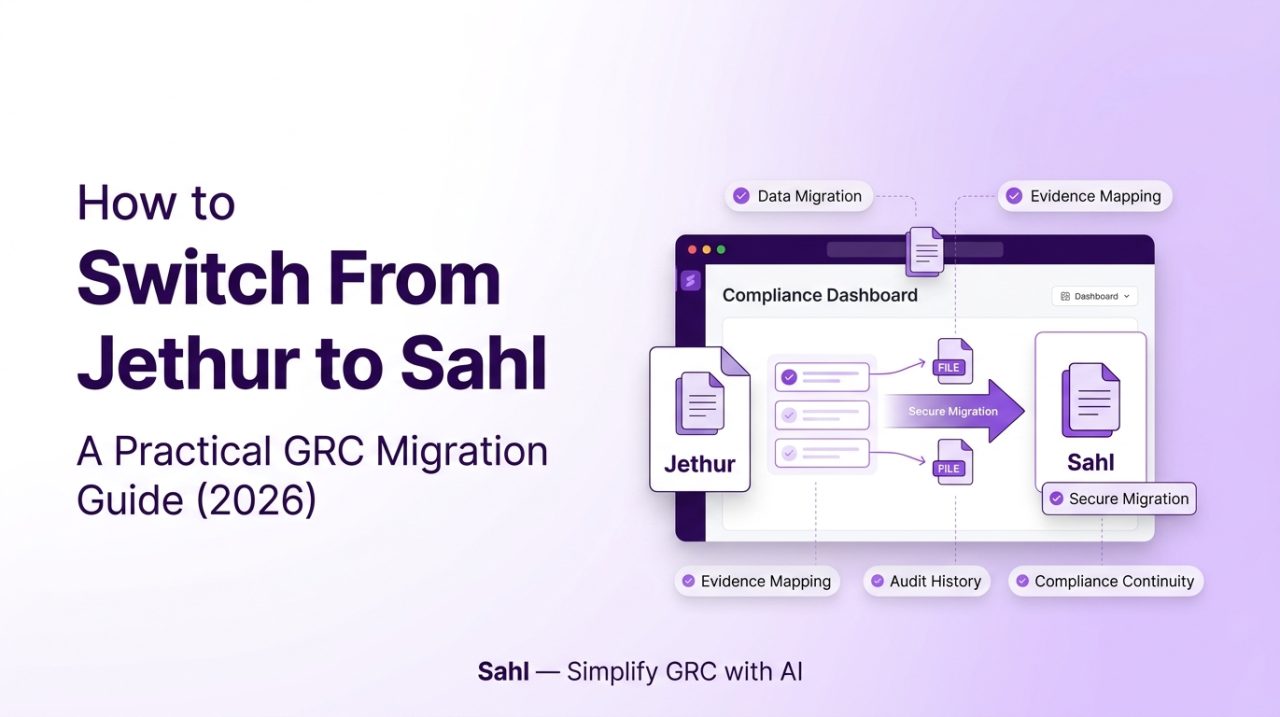
If you decide to migrate, the following six-step process can help your team plan the transition while preserving important compliance records and audit history.
Step 1: Check Your Contract and Migration Timing
Before beginning the migration, review your existing Jethur agreement.
Specifically, confirm:
- Your subscription renewal date
- Required cancellation notice period
- Data export rights and available formats
- Any additional charges for data extraction
- Contractual requirements for data retention and deletion
Next, select an appropriate migration window.
Ideally, schedule the transition immediately after a completed audit. Alternatively, allow at least eight weeks before your next major audit to provide sufficient time for data migration, reconciliation, and validation.
This preparation helps reduce disruption to ongoing compliance activities.
Step 2: Inventory What You Actually Use
Jethur offers a broad range of GRC and cybersecurity capabilities. Consequently, your organization may not need to migrate every module or workflow.
Start by documenting the functions currently in use.
| Function | What to Inventory |
|---|---|
| Compliance | Framework libraries, control mappings, assessments |
| Policies | Policy documents, approvals, review history |
| Risk management | Risk registers, assessments, treatment plans |
| Audit | Audit plans, findings, remediation records |
| Incident management | Incident records and response history |
| Business continuity | Continuity plans and related assessments |
| Crisis management | Crisis records and response workflows |
| Reporting | Dashboards, reports, and historical exports |
| Integrations | Connected systems and automated data flows |
After completing the inventory, classify each function into one of three categories:
- Migrate: Records and workflows that will move to Sahl.
- Retain elsewhere: Functions that require a separate platform or system.
- Retire: Records or workflows that are no longer required, subject to retention obligations.
Importantly, Sahl is compliance-focused. Therefore, business continuity and crisis management records may require a separate system if those functions are outside your intended Sahl scope.
Step 3: Export and Archive Your Data
Data preservation is one of the most important parts of a GRC migration.
Before importing anything into Sahl, export your relevant Jethur records and create a secure archive.
Prioritize the following:
- Control libraries and assessment records
- Policies and approval history
- Risk registers and treatment plans
- Audit findings and remediation history
- Evidence files and supporting documentation
- Reports and historical compliance records
Where available, retain the original timestamps, owners, identifiers, review dates, and approval information.
Additionally, preserve the original export without modifying it. This archive can serve as a reference during migration validation and future audit requests.
Before proceeding, verify that the exported files are complete and accessible.
Step 4: Map Your Existing Controls to Sahl’s Frameworks
Once your data is archived, map your existing compliance structure to Sahl’s pre-mapped frameworks.
Sahl provides mapping for NCA ECC, SAMA CSF, and PDPL, alongside ISO 27001 and SOC 2.
Rather than rebuilding your framework structure from scratch, identify how your existing controls, policies, and evidence correspond to Sahl’s available control mappings.
For Saudi organizations, this step is particularly important when working with NCA ECC-2:2024.
The current ECC edition follows a four-domain structure with 108 main controls. Therefore, verify that your migration reflects ECC-2:2024 rather than relying on outdated ECC-1:2018 mappings.
During the mapping process:
- Identify the existing control and its associated framework.
- Match it to the relevant Sahl control.
- Link the applicable policies and evidence.
- Document controls that require additional review.
- Flag gaps or changes in regulatory requirements.
This approach helps maintain continuity while identifying areas that need further attention.
Step 5: Import and Reconcile Your Records
After completing the mapping, begin importing the relevant policies, evidence, and supporting documentation into Sahl.
However, importing records alone does not guarantee a successful migration.
Your team should reconcile the migrated data against the original archive.
Review the following:
- Are all required policies available?
- Do evidence files retain their relevant dates?
- Are controls linked to the correct supporting documentation?
- Are historical findings and remediation records accounted for?
- Are control owners and review responsibilities assigned?
- Are any mappings incomplete or duplicated?
Additionally, use cross-framework mapping to connect relevant evidence to multiple applicable frameworks.
For example, evidence supporting access management may be relevant to both NCA ECC and ISO 27001. Linking that evidence appropriately can reduce duplication and simplify future compliance reviews.
Document any unresolved gaps before moving to the next stage.
Step 6: Run Both Platforms in Parallel and Cut Over
Before fully replacing Jethur, conduct a short parallel validation period.
During this phase, compare control statuses, evidence availability, and reporting outputs between the two platforms.
Use the following checklist:
- Validate migrated controls and evidence.
- Confirm that assigned owners can access their records.
- Review compliance dashboards and reports.
- Test relevant workflows and integrations.
- Train compliance teams and reviewers.
- Confirm that any functions outside Sahl have an alternative system.
- Establish a formal cutover date.
Once your team validates the migrated records, transition the relevant compliance workflows to Sahl.
Then, configure the applicable capabilities, including continuous evidence collection, the AI DPO Assistant, and the built-in DAST scanner.
Finally, retain the original archive according to your organization’s record retention requirements. Do not cancel or delete the existing environment until your migration, contractual obligations, and data preservation requirements have been reviewed.
Common Concerns When Migrating From Jethur
Will I lose audit history when switching from Jethur?
You can reduce the risk of losing historical audit information by exporting records before migration, preserving the original archive, and importing dated evidence and relevant historical documentation.
However, the preservation of complete approval histories, timestamps, and audit trails depends on the available export formats and migration capabilities. Verify these details before beginning the transition.
How long does it take to migrate from Jethur to Sahl?
Migration timelines depend on data volume, the number of frameworks, the complexity of existing workflows, and the amount of historical evidence.
Sahl’s pre-mapped Saudi frameworks can help reduce the effort required to establish relevant control mappings. Nevertheless, importing records, reconciling evidence, validating workflows, and completing the cutover require additional time.
Therefore, establish a migration timeline based on your organization’s actual scope rather than relying on a fixed duration.
What happens to functions that Sahl does not cover?
Identify these functions during the initial inventory.
For example, if your organization relies on business continuity or crisis management workflows, determine whether those records will remain in a separate platform.
This planning helps prevent operational gaps after the migration.
Frequently Asked Questions
To replace Jethur, review your contract, inventory your existing workflows, export and archive your records, map controls to the relevant Sahl frameworks, import and reconcile your evidence, and validate the migration before cutting over.
Sahl is an option for organizations prioritizing Saudi compliance management. It offers native mapping for NCA ECC, SAMA CSF, and PDPL, alongside an AI DPO Assistant and a built-in DAST scanner.Organizations should evaluate the platform against their own compliance requirements and operational scope.
A suitable time is immediately after a completed audit or sufficiently ahead of your next audit. An eight-week planning window can provide time for migration and validation, although more complex environments may require longer.
Organizations considering a migration can book a Sahl demonstration to discuss their compliance requirements, migration scope, and available support.The appropriate migration approach depends on the existing data, export capabilities, and workflows involved.
Plan Your Migration From Jethur to Sahl
Migrating a GRC platform requires more than transferring files. Your organization must preserve important records, validate control mappings, reconcile evidence, and ensure that compliance workflows continue without disruption.
By following a structured migration process, Saudi organizations can evaluate their existing GRC environment and plan a transition around their regulatory requirements.
If your team is considering a compliance-focused platform with pre-mapped Saudi frameworks, Sahl is worth evaluating.
Book a Demo with Sahl to discuss your migration requirements, timeline, and compliance scope.

