


Switch From VComply to Sahl: Migration Guide 2026
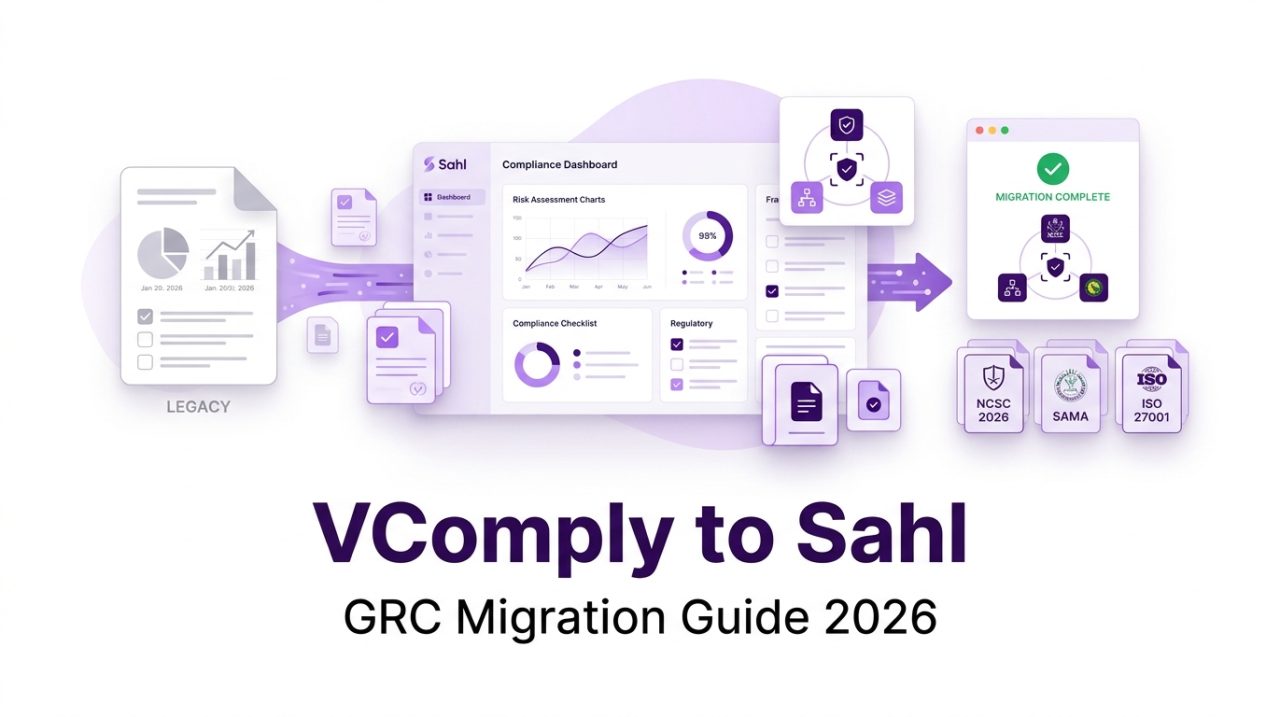
Should You Switch From VComply to Sahl? (Quick Answer)
Organizations should consider switching from VComply to Sahl when they need pre-mapped Saudi regulatory frameworks, AI assistance, and built-in security testing, and their existing compliance configuration requires significant effort to maintain.
However, switching platforms is not always necessary. If VComply meets your organization’s compliance requirements and your team is productive with its current workflows, continuing with the platform may be a reasonable decision.
For organizations planning a migration, timing and preparation are essential. Avoid switching platforms immediately before an audit or during a critical compliance reporting period.
A structured migration plan can help organizations transfer compliance records, map existing controls, and maintain audit continuity.
Note: Export capabilities, data formats, migration support, and contract terms depend on your VComply account and should be confirmed directly with the vendor.
Step 1: Review Your Contract and Migration Timeline
Before starting the migration from VComply to Sahl, review your current subscription and identify the most suitable transition window.
Consider the following:
- Review your contract renewal date and cancellation notice period.
- Confirm your data export rights and available export formats.
- Identify any contractual restrictions on data retention.
- Review upcoming audits and regulatory reporting deadlines.
- Establish a migration timeline with key stakeholders.
A practical approach is to plan the migration shortly after a completed audit or at least eight weeks before the next major audit.
This provides time for data transfer, control mapping, reconciliation, and user training.
Step 2: Inventory Your Existing VComply Configuration
Before exporting your data, document the compliance activities and workflows your organization currently uses.
Create an inventory covering:
Compliance Calendars and Tasks
Document recurring compliance activities, task owners, due dates, and reminders.
Policies and Approval History
Identify policies, supporting documents, approval records, and revision history.
Control Libraries
List the control libraries and mappings your organization uses for:
- NCA ECC
- SAMA CSF
- Saudi PDPL
- ISO 27001
- SOC 2
Evidence Files
Record evidence documents, collection dates, control associations, and responsible owners.
Risk Registers and Assessments
Document identified risks, risk ratings, mitigation plans, and assessment history.
Reports, Dashboards, and Integrations
Identify reports, dashboards, integrations, and automated workflows that your team relies on.
Because VComply is configurable, your existing control structure may differ from standard framework layouts. Document custom mappings and internal control identifiers before proceeding.
Step 3: Export and Archive Your Compliance Data
Once the inventory is complete, export the records available through your VComply account.
Prioritize the following:
- Policies and procedures
- Compliance controls and mappings
- Evidence documents
- Risk registers and assessments
- Task records and assignments
- Reports and audit-related documentation
- Available approval and activity history
Preserve original timestamps, owners, document versions, and reference identifiers wherever the export supports them.
Keep an untouched copy of the original export in a secure archive. Restrict access to authorized compliance personnel and retain records according to your organization’s retention requirements.
Important: Exporting data does not automatically guarantee that every historical activity or audit record can be transferred into another platform. Confirm which records can be migrated and which must remain in the original archive.
Step 4: Map Your Existing Controls to Sahl’s Pre-Mapped Frameworks
Sahl provides pre-mapped compliance support for NCA ECC, SAMA CSF, and PDPL, alongside ISO 27001 and SOC 2.
During migration, map your existing controls, policies, and evidence to the relevant framework requirements in Sahl.
NCA ECC Mapping
Review your existing NCA ECC control mappings against the applicable framework version.
For organizations using NCA ECC-2:2024, verify the control structure and identifiers before importing or reconciling existing records.
The migration should account for differences between older framework versions and the applicable current requirements.
SAMA CSF Mapping
Review existing SAMA CSF controls and their associated evidence.
Confirm that your mappings reflect your organization’s applicable regulatory obligations.
Saudi PDPL Mapping
Identify policies, assessments, and evidence associated with personal data protection and privacy compliance.
Map the relevant records to Sahl’s PDPL framework structure.
ISO 27001 and SOC 2 Mapping
Review existing controls and evidence for ISO 27001 and SOC 2.
Where the same evidence supports multiple requirements, identify opportunities for cross-framework evidence reuse.
The objective is to preserve the value of your existing compliance work instead of rebuilding every control from scratch.
Step 5: Import and Reconcile Policies and Evidence
After mapping your controls, begin transferring the relevant policies and evidence into Sahl.
Organize the migration around the following activities:
- Import available policy documents and supporting records.
- Link evidence to the corresponding framework controls.
- Preserve original dates and ownership information where supported.
- Identify duplicate documents and outdated evidence.
- Review evidence validity and completeness.
- Compare imported records against the original VComply archive.
Sahl’s cross-framework evidence reuse capabilities can help organizations associate relevant evidence with multiple compliance requirements.
However, each evidence item should be reviewed to ensure that it supports the specific control and remains valid.
Step 6: Recreate Only the Workflows You Need
A migration provides an opportunity to review existing compliance workflows.
Instead of recreating every task and reminder from VComply, identify which workflows support meaningful compliance activities.
Consider rebuilding:
- Recurring compliance assessments
- Control owner assignments
- Policy review and approval workflows
- Evidence collection reminders
- Risk assessment activities
- Compliance reporting tasks
Remove redundant tasks and workflows that no longer serve an operational purpose.
A streamlined configuration can help compliance teams manage their responsibilities more effectively.
Step 7: Run Both Platforms in Parallel and Cut Over
Before fully replacing VComply, conduct a controlled transition.
Validate Compliance Records
Compare control statuses, evidence associations, policy records, and risk assessments across both platforms.
Review Ownership
Confirm that control owners, reviewers, and compliance stakeholders have the appropriate responsibilities in Sahl.
Train Users
Provide guidance on the new workflows, evidence management processes, and reporting capabilities.
Establish a Cutover Date
Once the migrated records have been reconciled, establish a date for moving operational compliance activities to Sahl.
Activate Relevant Sahl Capabilities
Based on your organization’s requirements and subscription, configure the applicable capabilities, including:
- Continuous evidence collection
- AI DPO assistant
- Built-in DAST scanner
The parallel-running period should continue until your team has validated the critical compliance records and workflows.
Retain the original VComply archive according to your organization’s audit and record-retention requirements.
Common Concerns When Migrating From VComply to Sahl
Will I Lose My Audit History?
Not necessarily, but preservation requires careful planning.
Export available historical records, retain the original archive, and import dated evidence and supporting documentation where the destination platform supports it.
Some activity logs or historical workflow details may not transfer directly. Confirm which records can be migrated and which must remain in the archive.
How Long Does It Take to Migrate From VComply?
Migration timelines depend on data volume, customization, framework coverage, integrations, and the quality of existing records.
Sahl’s pre-mapped Saudi frameworks can help reduce the effort associated with framework configuration.
However, full migration and reconciliation may require additional time. Discuss your organization’s scope and timeline with Sahl before beginning the transition.
What Happens to Existing Per-User Licensing?
Review your VComply subscription terms and renewal date before scheduling the cutover.
Coordinate the termination or renewal of your subscription to avoid unnecessary overlapping costs.
Also, confirm Sahl’s licensing structure and included capabilities before finalizing the migration plan.
Can I Keep My Existing Compliance Evidence?
Existing evidence may be transferred where the available export and import formats support it.
Preserve the original files and metadata, and verify that the evidence remains correctly associated with the relevant compliance requirements.
Do I Need to Rebuild All My Compliance Controls?
Not necessarily.
The migration process should focus on mapping existing controls to Sahl’s pre-mapped framework structures and reconciling differences.
Custom controls may still require review or additional configuration.
Frequently Asked Questions
To replace VComply, review your contract, inventory your existing configuration, export and archive your records, map controls to the destination platform, import and reconcile evidence, and run both platforms in parallel before cutover.
Sahl is a relevant VComply replacement for Saudi organizations prioritizing pre-mapped NCA ECC, SAMA CSF, and PDPL requirements, alongside an AI DPO assistant and built-in DAST scanner.Organizations should evaluate the platform against their specific compliance requirements before migrating.
Consider switching shortly after a completed audit or sufficiently ahead of your next major audit. A transition window of at least eight weeks can provide time for planning and reconciliation, although the actual duration depends on migration scope.
Organizations can discuss their migration scope, timeline, and available support with Sahl’s team.The level of migration assistance should be confirmed during the evaluation process.
Audit continuity can be supported by preserving original records, exporting available historical information, maintaining evidence dates and ownership, and reconciling migrated records.However, direct transfer of every historical activity log cannot be assumed.
Plan Your Migration From VComply to Sahl
Moving to a new GRC platform requires more than transferring documents. It involves preserving compliance records, validating control mappings, reviewing workflows, and preparing stakeholders for the transition.
Sahl’s MENA-focused GRC capabilities can help organizations manage Saudi regulatory requirements, evidence collection, and compliance workflows within a regional framework.
If your organization is considering replacing VComply, discuss your migration requirements and implementation timeline with Sahl.
Book a Demo With Sahl to evaluate its capabilities and plan your GRC migration.

